Key takeaways
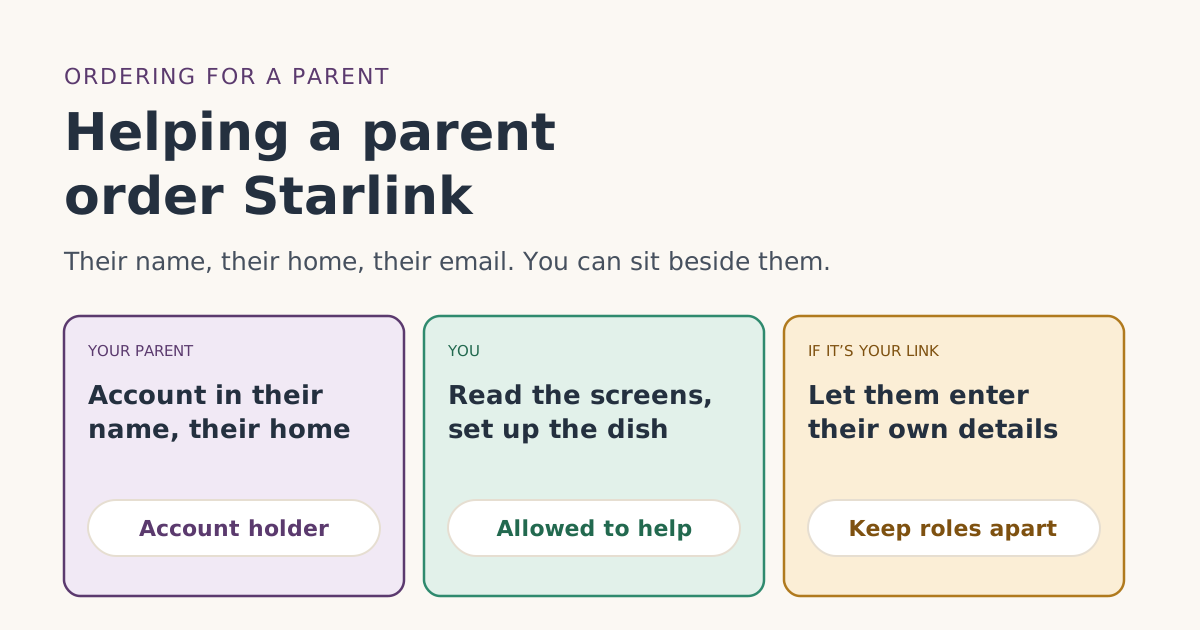
- Starlink’s Terms of Service say the account must be in the customer’s own name, and allow a household or family member, or a personal caregiver, to act for them.
- The free-month rules apply to your parent, the account holder: you are not, and have never been, a Starlink subscriber, and the service address is their US home.
- Open the referral link on the device you’ll finish the order on, and complete it in one browser session.
- Use your parent’s own email for the account so the free-month email and bill preview reach them.
- Billing starts on the earliest of activation or 7 days after delivery, so plan the setup visit before the kit arrives.
Yes, you can help a parent order Starlink and still get the free month, as long as the account is in your parent’s name. Starlink’s Terms of Service say the customer must open the account “in your own name,” and they allow “a household or family member, or personal caregiver” to act for the account holder. So you can sit beside them, read the screens, even type for them. The free-month rules then apply to your parent: they must never have had Starlink, the service address must be their US home, and the order goes through a referral link on starlink.com.
The rest is practical: which device, which email, whose card, and when to visit for setup. Here’s the order of things that keeps it simple.
What Starlink’s terms allow
Section 10.2 of Starlink’s US Terms of Service, “Acts of Agency,” says:
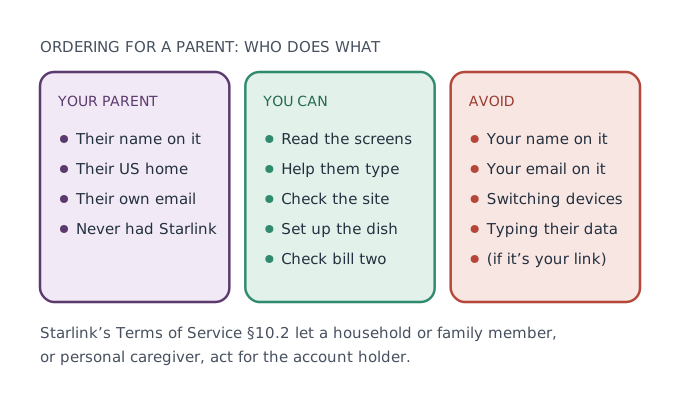
You must create a Starlink account and enter into this Agreement for the Services in your own name. You cannot use an agent or any other representatives to purchase the Services or deal with Starlink, except where an agent or representative is (a) a household or family member, or personal caregiver, of the account holder…
Two things follow. Helping a parent is expressly allowed. And the account belongs to your parent, not to you. Section 13.3 adds that the account holder must be at least 18.
The free-month rules apply to your parent
The referral terms describe the referred customer as “an individual who subscribes to Starlink using the Referrer’s Unique Referral Link.” When you order for a parent, that individual is your parent. So check these against them, not you:
- New customer: you are not, and have never been, a Starlink subscriber.
- The link: the order must be placed with a customer's unique referral link; no other referral method counts.
- Where it’s bought: kit and subscription bought directly on starlink.com; stores, unauthorized resellers and private transfers don't qualify.
- Where it’s used: your service address must be in the same country as the referrer's. For a US link, that’s your parent’s US home.
- Staying: two full monthly billing cycles on a high-speed plan, continuously, with Standby Mode not counting.
If you already have Starlink yourself, that doesn’t make your parent a returning customer under the written rules, which look at the person being referred. Starlink doesn’t address family links directly; our guide to second kits and second households covers the gray areas.
If you are also the one sharing the link
If you’re a Starlink customer and it’s your own referral link, keep your two roles apart. Section 6.4 of the referral terms says a referrer may not “collect, request, upload, disclose, or otherwise process a prospective customer’s personal data on SpaceX’s behalf,” and that the referrer “may share only the Unique Referral Link.” The customer gives their own information to Starlink directly. It also bars the referrer from “receiving payment” for Starlink.
The simplest way to stay well inside that: send your parent the link, let them enter their own name, address and payment details on starlink.com, and help by explaining the screens rather than handling their information. If that isn’t practical, use someone else’s link.
The referral terms also say the referred customer should not be “a person experiencing financial hardship, domestic or family violence, or other vulnerability.” If money is a real worry for your parent, look at lower-cost options first rather than planning around a one-month credit.
Step by step
- Pick the device you’ll finish on. Your parent’s laptop, or yours. Open the referral link on it. If you open the link on your phone and then move to the laptop, the referral can drop off; see different devices.
- Check the address bar. Make sure the page is really starlink.com before anything is typed. Our guide to spotting the real site shows what to look for.
- Enter your parent’s details. Their name, their email, their phone. Create the account during checkout in the same browser.
- Service address: their home. The shipping address can be different, for example yours if you’ll bring the kit over and set it up. Our guide to service and shipping addresses covers both.
- Pick a plan from the list shown at checkout: eligible plans are shown to you at sign-up.
- Pay, and screenshot the confirmation. Save the order number and date.
- Plan the setup visit. See the next section.
Our full step-by-step order guide has the same steps with screenshots.
Time the setup visit
Billing doesn’t wait for you to visit. Under the Terms of Service, your first charge comes on the earliest of: the day you activate, 7 days after delivery, or 30 days after shipping if there's no delivery date (the 'Payment Due Date'). If the kit arrives on a Monday and you can’t get there for two weeks, month one starts billing the following Monday regardless.
That also starts two other clocks:
- The return window: return an undamaged kit bought on starlink.com within 30 days of the Payment Due Date for a full refund, including the first month's fee.
- The free month: applied as a credit to your second monthly bill; you pay the first month. It lands on bill two, one month after the Payment Due Date.
So, if you can, choose a shipping date that lets you be there within a few days of delivery. If the order was placed too early, Starlink’s help center says there’s “a window of one to three hours” after ordering to cancel or change the shipping address.
Whose card pays
Starlink’s published terms don’t say whether the payment card must belong to the account holder. They do say the account must be in your parent’s name. Two clean options:
- Your parent pays with their own card, and you settle up privately. Nothing for Starlink to question.
- You pay, after asking support whether that’s fine for a referral order. Keep the reply.
After the order: help them check bill two
Starlink’s help article says Starlink emails you when the free month is confirmed, and the bill preview in your account shows month two as free. Because the account email is your parent’s, that message goes to them. Agree now on how you’ll check together:
- Week one after activation: log in with them and find the billing page.
- A few days before bill two: open the bill preview. Our guide to checking the bill preview shows where it is.
- After bill two: confirm the credit and note the date.
Keep the login with your parent, written somewhere safe at their home. They will need it for bills, support and any cancellation later.
A worked example
Maria is helping her father, who has never had Starlink, at his farmhouse two hours away. She has Starlink herself, but uses a friend’s referral link so her father enters his own details.
- Saturday: at his kitchen table, they open the link on his laptop, create his account with his email, enter his home as the service address and her apartment as the shipping address, and choose Residential 100 Mbps at $55/mo. He pays with his card.
- The kit arrives at Maria’s on Wednesday. She drives it over on Saturday and they activate it. That Saturday is the Payment Due Date, since activation came before the 7-day mark.
- Bill one: paid in full. Bill two, a month later: a one-month credit. Maria and her father check the bill preview together a few days before.
If you live far away
Many people help a parent from a distance. A few things make it easier:
- Order together on a video call, with your parent at their own device and you reading the screens. They type; you guide.
- Ship the kit to whoever will set it up. The shipping address can differ from the service address.
- Agree on a support plan. Who will contact Starlink if something goes wrong? Your parent is the account holder, so support will expect to deal with them, though the Terms of Service let a family member or caregiver act for them.
Common mistakes
- Putting the account in your own name “just to make it easy.” The terms require the customer’s own name, and the free-month rules then apply to you.
- Using your email on your parent’s account, so the confirmation never reaches them.
- Opening the link on one device and ordering on another.
- Delivery long before the setup visit, so billing and the return window start early.
- Typing in their details yourself when it’s your own referral link.
What we don’t know
Starlink doesn’t say whether the payment card must match the account holder, or how it treats a referral within a family. When in doubt, ask support before ordering and keep the reply.
What to do next
- Check your parent qualifies with the eligibility checker.
- Agree on the device, email and shipping address before you start.
- Book the setup visit, then place the order through the link in one browser.
Questions people ask
Can I order Starlink for my parent?
Whose name goes on the Starlink account?
Can I pay for my parent’s Starlink with my card?
I already have Starlink. Does that stop my parent from getting the free month?
Which device should we use to order?
My parent isn’t comfortable with email. Can I use my email on their account?
Sources
- Referral Program Terms, US (starlink.com legal document DOC-1882-84808-83) Starlink
- Starlink Terms of Service, US (sections 3, 6.2 and 6.3) Starlink
- How do I use a referral link? (Starlink help center) Starlink
- What are the Residential plans? (Starlink help center) Starlink
- How do I cancel my shop order? (Starlink help center) Starlink
Related guides
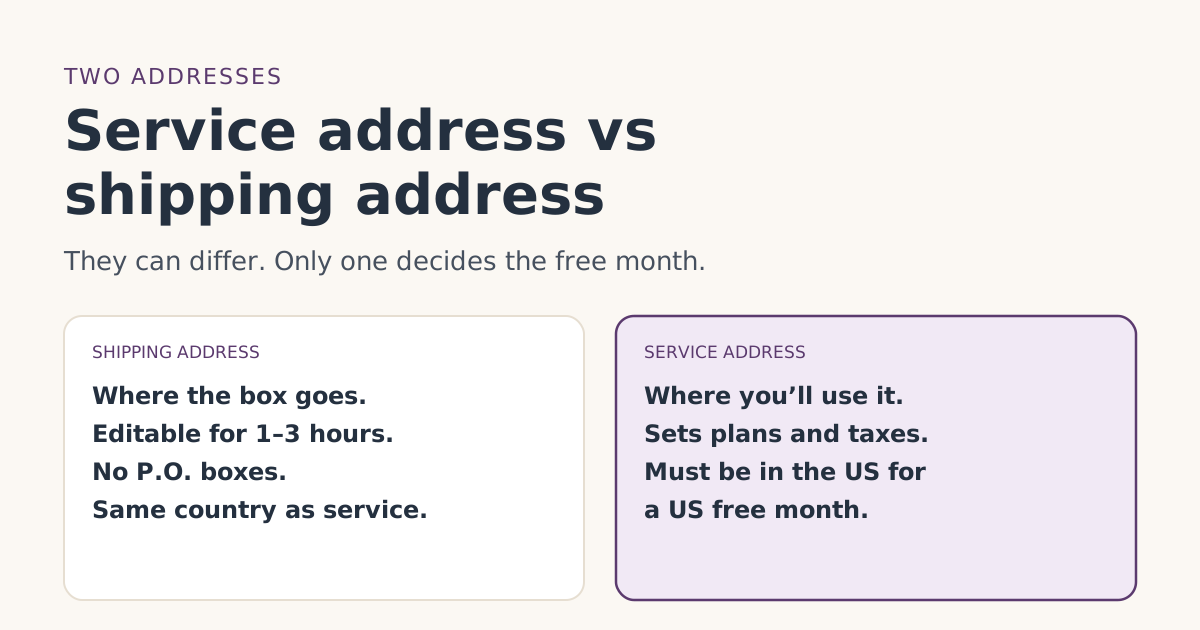 Ordering rightService address vs shipping address: getting both right for the free monthWhat Starlink’s service and shipping addresses each control, which one matters for the free month, P.O. box and rural rules, and how to fix mistakes.
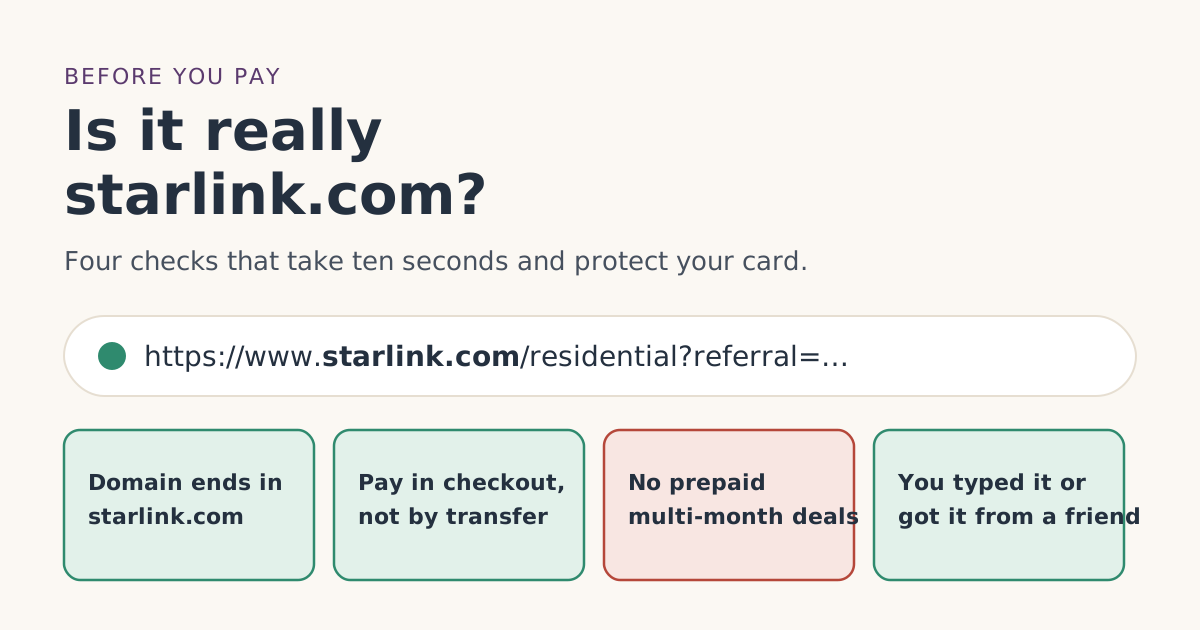 Ordering rightHow to tell you’re on the real starlink.com before you payBefore entering card details, check you’re really on starlink.com. How to read the address, what Starlink never asks for, and what to do if you already paid.
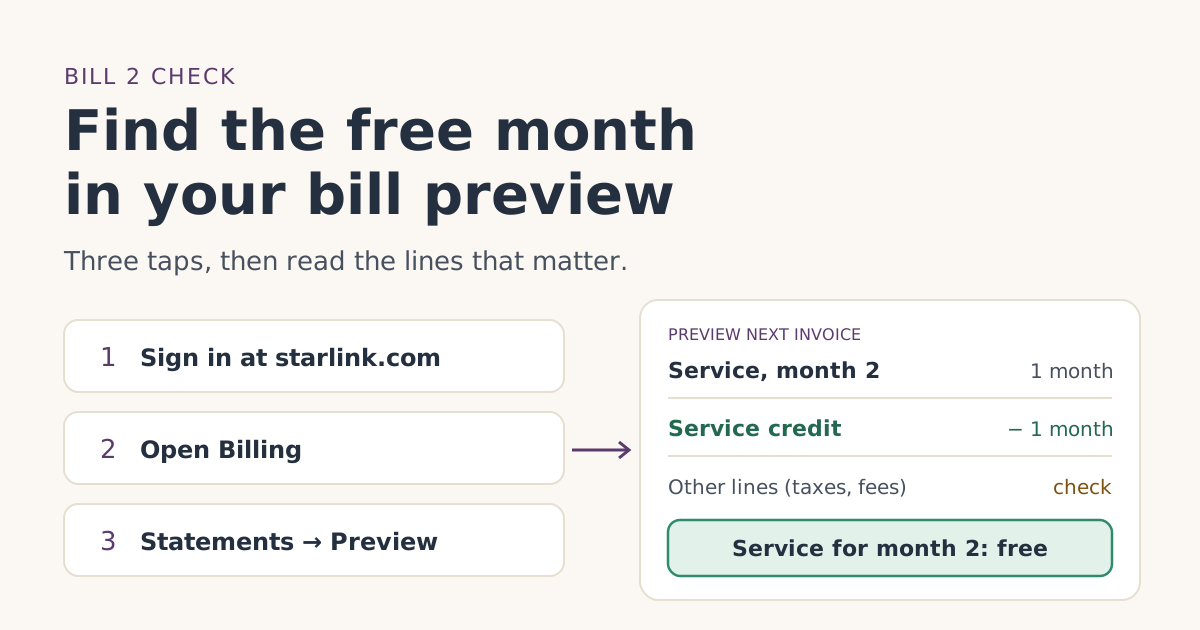 When the credit landsHow to check the free month in your Starlink bill previewWhere to find Starlink’s bill preview on the web and in the app, what the free-month credit looks like on bill 2, and what to do if it isn’t there yet.