Key takeaways
- Open the ticket from inside your Starlink account at starlink.com or the Starlink app. Starlink says it will never ask for payment or login details by email or text.
- Wait until it’s due. Starlink says the reward comes after you have subscribed for two months; Starlink’s help center says it’s issued as soon as 60 days after activation, once you've been subscribed for two months. Writing in month one only gets you “please wait.”
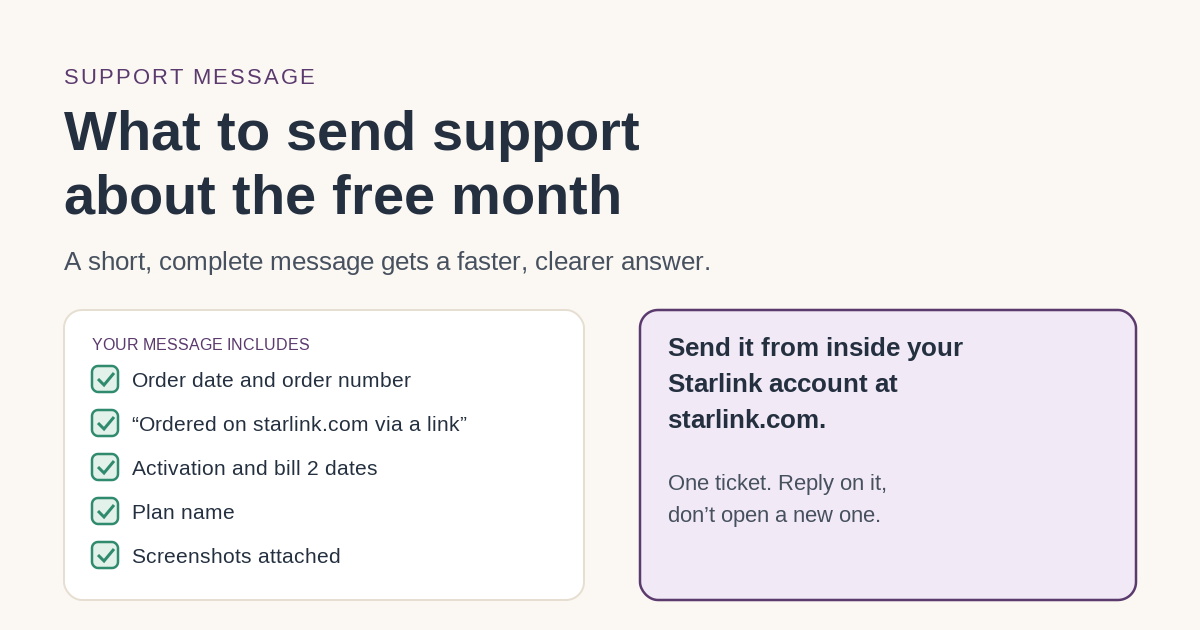
- Include order date and number, that you ordered on starlink.com through a referral link, activation date, plan name, and screenshots of the Referrals section and the credit table.
- Keep to one ticket. Starlink asks customers to reply on an open ticket rather than create a new one.
- Know the hard limit: Starlink says it can’t issue referral credits where the referral link wasn’t used.
Starlink replaced the referral free month with a $100 reward for new US customers. This guide now covers the $100 reward, and the message template asks about the reward, not a credit on bill 2.
To ask Starlink about a missing referral reward, open a support ticket from inside your Starlink account once you’ve been subscribed for two full billing cycles and the reward still isn’t in your account. In the message, say you’re a new customer who ordered on starlink.com through a referral link, and give your order date and number, activation date and plan, with screenshots of the Referrals section and the credit table on your Billing page. The template below has all of that in one place.
Before you write, run through where to see the reward in your account. A full-price bill 1 is normal, so is a bill 2 before two months are up, and a reward that simply isn’t due yet explains many “missing” ones. You’ll save yourself a ticket.
When to contact support (and when it’s too early)
The reward is given once you've been subscribed for two months, per Starlink's help center (the referral terms say it's applied on your second monthly invoice), not taken off your first bill; you pay your first bill as normal. Starlink’s help center says: “Both you and the person referring you receive the same reward after you have subscribed for two months.” The same help article adds that it’s issued as soon as 60 days after activation, once you've been subscribed for two months, and that it arrives as a service credit by default; where your account offers it, you can switch it to cash in the Referrals section. Starlink doesn’t publish a deadline beyond “after two months.”
| Where you are | Contact support? | Why |
|---|---|---|
| Bill 1, or bill 2 before two months, at full price | No | That’s normal. Nothing comes off bill 1, and the help center says the reward comes after two months. |
| Less than two months since activation | Not yet | The reward isn’t due. |
| Two full cycles done, reward not showing yet | Check first | Look at the Referrals section and the credit table, and give it a little time. |
| Two full cycles done, a later bill posted, nothing in Referrals or credits | Yes | This is what support needs to look at. |
| Credit table shows an unused credit | Usually no | Starlink says credits go on the next bill that appears. Check the next bill. |
Starlink’s credits article supports that last row: if “a pending bill” already existed when a credit was added, it “will be applied to your following bill.” It also says that if you believe a credit should have been on your most recent bill, you should “create a support ticket and provide details about the issue.”
Where to open the ticket
Only use Starlink’s own account pages. Starlink’s phishing guidance says real emails come only from the “@starlink.com” domain, that Starlink will “never ask you to share your personal information in a text or email or over the phone,” and that you should log in directly at starlink.com/account to check anything.
- Type starlink.com into your browser and sign in. Or open the Starlink app.
- Go to Support and start a ticket about billing or your referral reward.
- To see tickets later, Starlink’s account FAQ says to click the letter icon at the top right of the screen on the web, or in the app go to Support and tap the same icon.
Don’t reply to an email that claims to be about your “referral reward payout,” and don’t call a phone number from a search ad. Starlink says it never asks for payment “through a 3rd party vendor or website.”
The message, ready to copy
Fill in the brackets. Keep it this short: one problem, the facts, one question.
Subject: Referral reward not received after two months
Hello. I’m a new Starlink customer. I ordered on starlink.com using a current customer’s referral link.
- Order date: [date]. Order number: [number].
- Activation date (first bill): [date]. Plan: [plan name].
- I have stayed subscribed on that plan for two full billing cycles, without Standby Mode, through [date].
- Service address: in the US, same country as the person who referred me.
- I have not had Starlink before on any account.
No referral reward shows in the Referrals section of my account, and the credit table on my Billing page is empty. Screenshots of both are attached.
Could you check whether the referral was recorded on my order and, if it was, when the referral reward will be issued? Thank you.
Two lines in that template do a lot of work. “I ordered on starlink.com using a referral link” answers the first question support will ask. “I have not had Starlink before” answers the second. If either isn’t true, don’t write it: the referral terms require that you are not, and have never been, a Starlink subscriber, and support can see your account history.
If you ordered before Oct 7, 2026, when the referral still gave a free month, add one line with your order date and say you ordered under the earlier terms. Starlink doesn’t publish how those orders are handled; our guide to terms that change after you order explains what we know.
Which records to attach
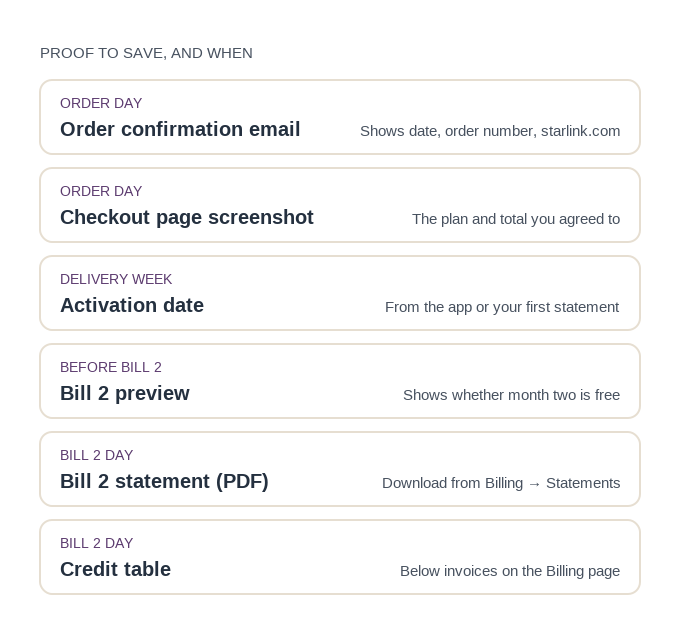
Attach the two that prove the problem, and keep the rest ready in case support asks:
- The Referrals section of your account, showing no reward. the reward amount that applies to you is the one shown in your Starlink account, so this is the screen support will compare against.
- The credit table, at the bottom of the Billing page. Starlink says it shows each credit’s total and available amount.
- Your order confirmation email, which shows the order date and number.
- Your latest bill, downloaded from Billing, then Statements. Starlink’s unknown-charges article says invoices show the date, payment due date, service period, each line, taxes and credits applied.
- A checkout screenshot, if you took one on order day. You can’t get it after the fact.
Crop out card numbers. Support doesn’t need them, and Starlink says it never requires your debit card PIN.
What happens next, honestly
There are three likely outcomes:
- The referral was recorded and the reward was missed. Support issues it. If it comes as a credit, Starlink says credits go on the next bill that appears, so check the bill after that.
- The reward was already scheduled. Support tells you when to expect it.
- The order didn’t qualify. Starlink’s billing FAQ says it is “unable to issue referral credits in cases where the referral link was not used.” Store, phone and transferred kits, returning customers and non-US addresses are also outside the terms. See the troubleshooter for which case you’re in.
The referral terms also say the final decision on whether a referral is eligible “rests exclusively with SpaceX.” Being polite and precise helps; arguing the terms rarely does.
Starlink’s account FAQ says that if a ticket is still open, "it is best to follow up on that ticket as opposed to creating a new one." Duplicate tickets tend to slow things down, not speed them up.
Before you dispute a charge with your bank
It’s tempting to go to your card issuer when a bill isn’t what you expected. Think it through first.
- It won’t add the reward. A dispute is about a charge, not about a referral. Only Starlink can issue the reward.
- It can affect your service. Starlink’s billing FAQ says service is suspended “when a subscription invoice stays unpaid,” after a past-due warning. Its payment-failed article says Starlink retries a failed payment three times over 14 days and that service may be turned off if a balance remains after 24 days. A reversed payment could leave a bill unpaid; how Starlink treats a disputed payment specifically isn’t published.
- Check it’s really a charge. Starlink’s unknown-charges article says some card entries are authorizations, not charges, and “should drop from your statement with in 3-7 days.” It also suggests checking any other Starlink account you may have under a different email.
If you believe you were charged for something you didn’t agree to, keep your records and talk to your bank. If the issue is a missing referral reward, support is the route.
A worked example
You activated on Wednesday, Nov 4, 2026, on Residential 100 Mbps at $44–$55/mo, depending on your address. Bill 2 on Friday, Dec 4, shows no reward yet, which can still be normal. Your two full billing cycles run Nov 4 to Jan 3, and bill 3 posts on Monday, Jan 4, 2027.
In mid-January you check: nothing in the Referrals section, and the credit table is empty. You confirm the plan is on the eligible list and you never paused or cancelled. You open one ticket from your account with the template above, attaching both screenshots. You reply on that same ticket if support asks for your order confirmation. If support issues the reward as a credit, you look for it on the next bill’s preview; if your account offers cash, the Referrals section is where you’d choose it.
If support says you’re not eligible
A “no” usually names a reason. Match it to the rule so you know whether there’s anything left to do:
| Reason support gives | The rule behind it | Your options |
|---|---|---|
| No referral on the order | the order must be placed with a customer's unique referral link; no other referral method counts | None for the reward. See opened the link on another device. |
| Kit not bought on starlink.com | kits from resellers, retailers or an account transfer are not eligible | Store returns follow the store’s policy. See store or phone order. |
| You had Starlink before | existing or returning customers are not eligible | None for the reward. See had Starlink before. |
| Plan not on the list | Rewards issue only on listed plans | None for this order. |
| Paused or cancelled early | two full monthly billing cycles on a high-speed plan, continuously, with Standby Mode not counting | None for this order. See paused or cancelled early. |
If you’re still inside 30 days of your first bill and you’re not sure the referral was recorded, the return window may matter more than the reward, which is two months away. Our free trial guide explains what a return refunds. The troubleshooter’s ask-support section has the short version of this list.
Common mistakes
- Writing before two months are up. The reward is given after two months subscribed, not on bill 1 or bill 2.
- Opening several tickets. Reply on the open one.
- Leaving out the order path. Say you used a referral link on starlink.com.
- Sending card or login details by email. Starlink never asks for them that way.
- Expecting a credit on the current bill right after support fixes it. Credits usually land on the next bill that appears.
What we don’t know
Starlink doesn’t publish support response times, exactly how long after two months the reward is issued, how orders placed under the earlier free-month terms are handled, or how it treats a disputed payment during the first two cycles. We’ve said only what its help pages and the labeled press report say.
What to do next
- Run where to see the reward in your account.
- After two full cycles, screenshot the Referrals section and the credit table.
- Open one ticket from your account with the template.
- Watch the Referrals section and the next bill’s preview for the reward.
Questions people ask
How do I contact Starlink support about my referral reward?
What should I say to Starlink support about a missing referral reward?
How long should I wait before contacting support?
Can support add the reward if I didn’t use the link?
Should I open a new ticket if I don’t hear back?
Should I dispute the charge with my bank instead?
Sources
- Does Starlink have a referral program? (Starlink help center) Starlink
- Referral Program Terms, US (starlink.com legal document DOC-1882-84808-83) Starlink
- Starlink legal documents for the US (list with publish dates) Starlink
- What are the Residential plans? (Starlink help center) Starlink
- Starlink referral link: how the $100 reward works (Tesla North) Press
- Additional FAQs - Account (Starlink help center) Starlink
- Billing - Credits (Starlink help center) Starlink
- Additional FAQs - Billing (Starlink help center) Starlink
- Billing - Unknown Charges (Starlink help center) Starlink
- Phishing or suspicious emails or texts claiming to be from Starlink (Starlink help center) Starlink
- Why did I receive a "Payment Failed" email? (Starlink help center) Starlink
Related guides
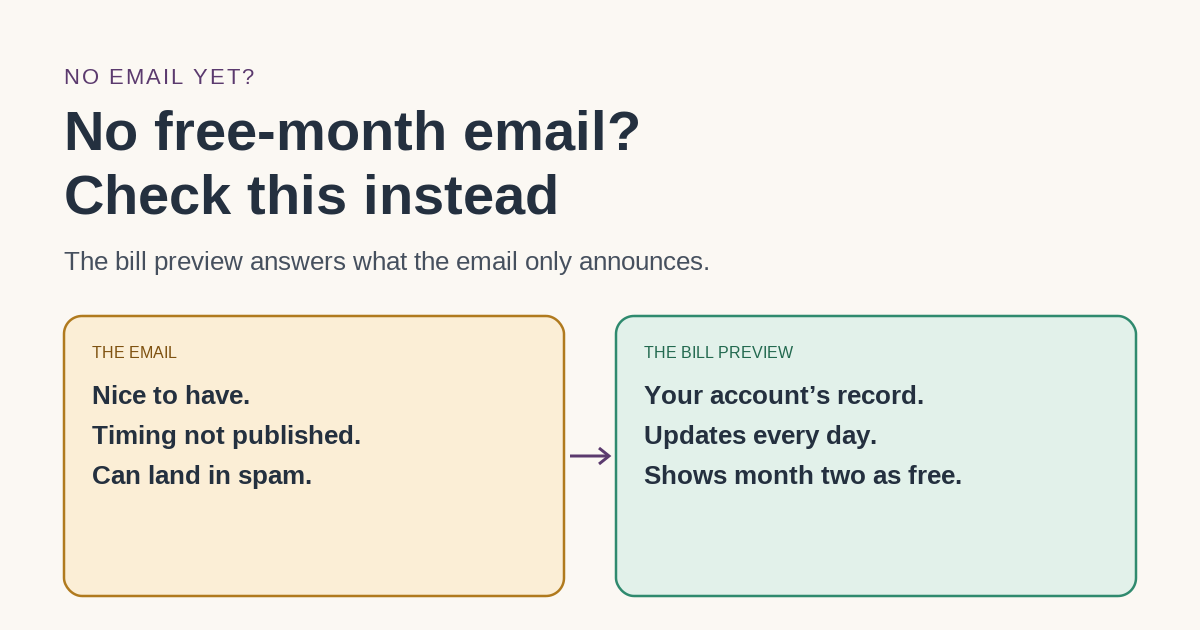 Reward missingNo Starlink email about your $100 referral reward? What it does and doesn't meanNo email about your Starlink $100 referral reward is normal before day 60. Where it shows instead (Referrals, Billing credits) and how to spot fake mail.
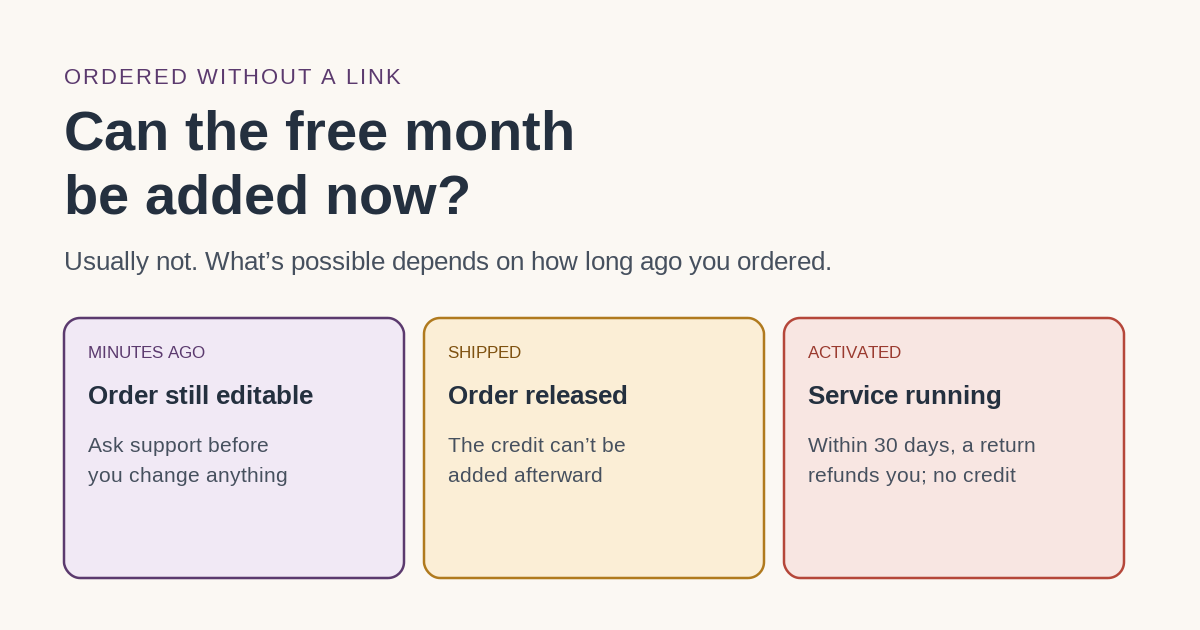 Who qualifiesAlready ordered Starlink without a referral link? Whether the $100 reward can be added nowOrdered Starlink without a referral link? Starlink’s help center says a referral can’t be added later (checked Nov 16, 2026). What you can still do, by stage.
 Reward missingMoving house in your first two Starlink months: what happens to the $100 referral rewardMoving before your referral reward arrives? How a service address change, a plan swap or a pause affects the $100 Starlink reward, and the moves that end it.